
The short answer
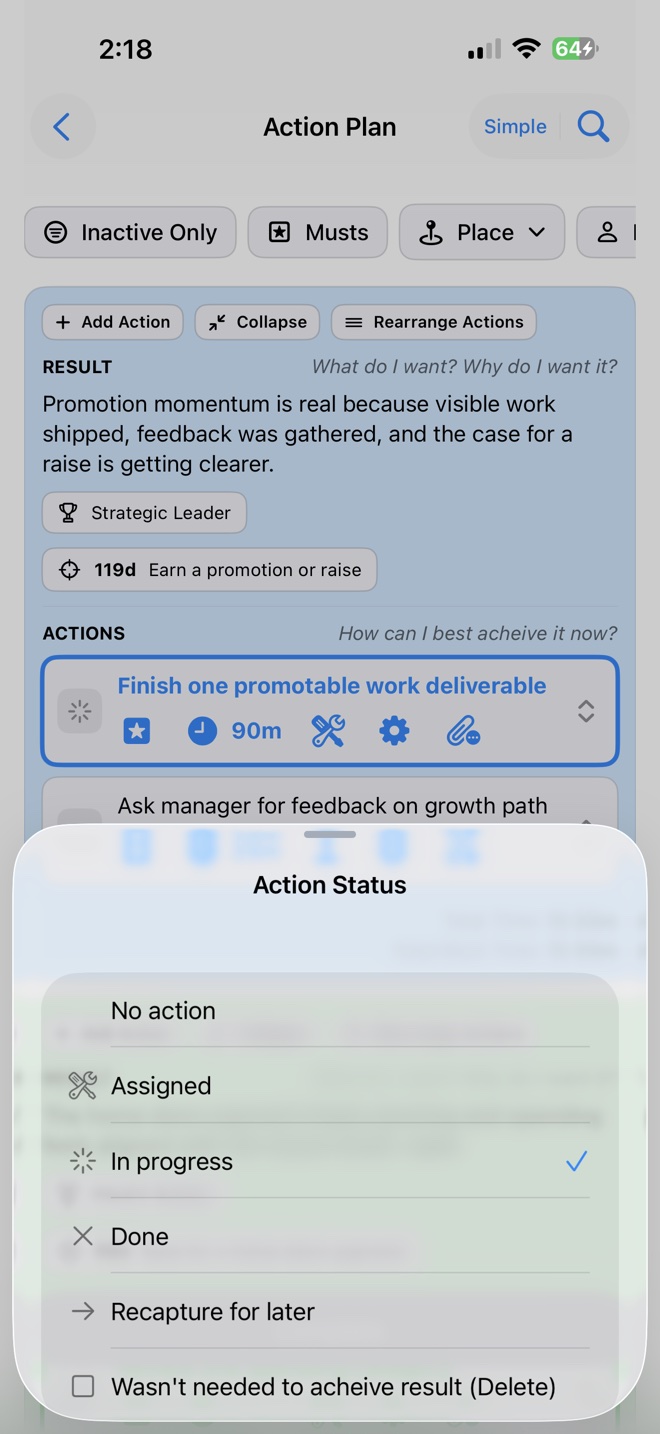
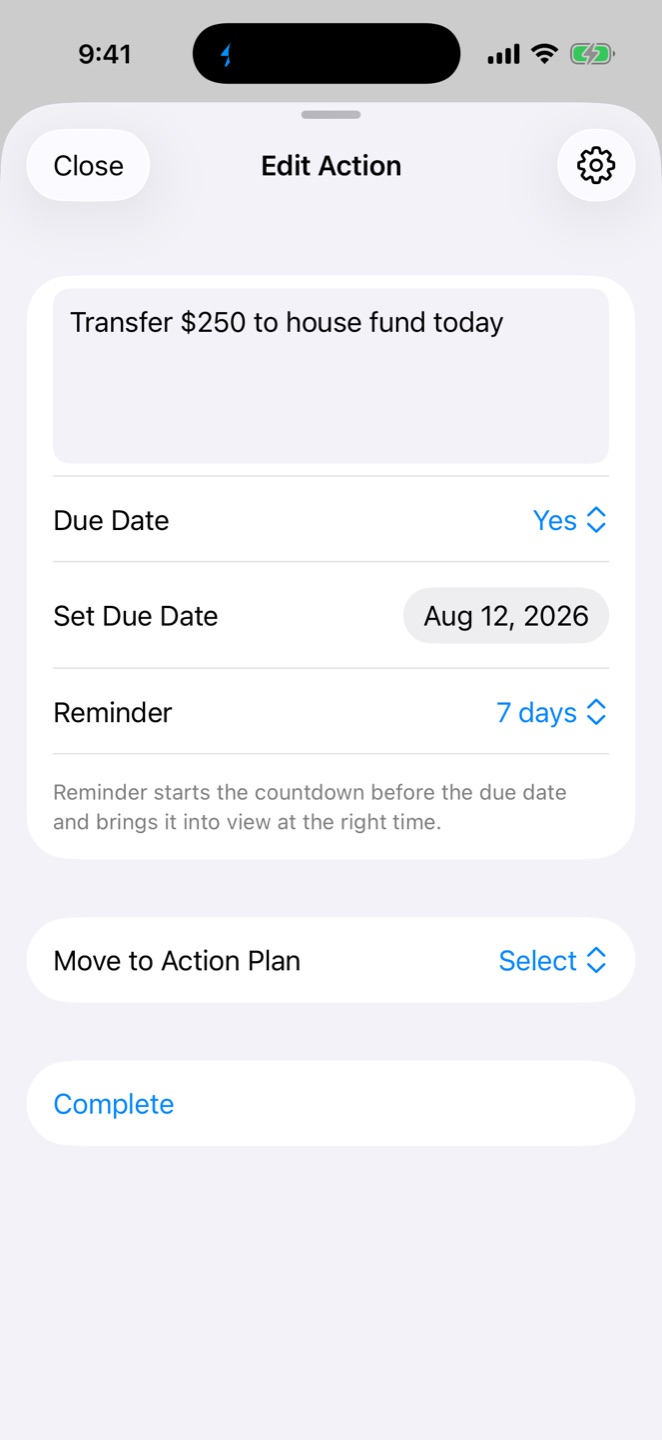
Save the input, decide whether it deserves a commitment, and connect accepted work only after you know what it means. In Loom, an incoming action can receive a due date and reminder, move into an Action Plan, become a daily Must when it matters, and be revisited through Reflection.
Loom is an AI-assisted life-management app for iPhone and iPad. It connects incoming work with personally chosen Purpose, customizable Fulfillment Areas, Goals, finite plans, repeatable Little Wins, daily priorities, and review. Optional LoomAI can offer guidance, while the decisions remain yours.
Why is a capture list different from a plan?
Loom Capture is a temporary place for an input you do not want to lose. A plan starts after you decide whether to keep, remove, or connect the item; what result it supports; when it matters; and whether it belongs with finite work or a repeating routine.
Treating every input as an immediate task can create a crowded list of commitments. Treating every input as a note can hide work that needs a decision. Loom separates saved inputs from Projects, Action Plans, Little Wins, and today’s Musts so the level of commitment changes only when you choose it.
| Stage | Decision | Possible Loom destination |
|---|---|---|
| Incoming item | What did I save? | Keep the input in Loom Capture until it deserves a decision. |
| Context | Does this support a Goal, Fulfillment Area, person, place, or date? | Add only the context that will improve the decision. |
| Work type | Is this finite work, a larger outcome, or a repeatable action? | Use a Project, Action Plan, Goal, or Little Win. |
| Today | Does it deserve attention now? | Choose it as a Must when it should lead the day. |
| Reflection | What changed, and what should happen next? | Acknowledge progress and revise the plan. |
Example: turn a loose request into a clear next move
Suppose a colleague sends a link and asks whether you can prepare a proposal next week.
- Capture the input. Put a short description in Loom Capture so it is not lost in the message thread.
- Decide what it supports. Determine whether the request advances a Goal or belongs within a Career & Business Fulfillment Area.
- Define finite work. Move the item into an Action Plan such as “prepare proposal,” then define the next action.
- Add timing deliberately. Use a due date or reminder when it will help, and make the next action a Must only on the day it should lead your attention.
- Review what happened. Use Reflection to acknowledge progress, remove stale work, and choose the next step.
The workflow keeps the input, its context, and the next commitment connected without requiring every captured item to become a project.
How should finite actions and repeatable actions differ?
Finite work has a finish. Projects and Action Plans organize work you expect to complete. Repeatable behavior does not end in the same way, so Loom keeps it in Little Wins on a chosen schedule. Goals describe the change those actions may support; they are not substitutes for the actions themselves.
Keeping these types distinct can make review more useful. A finished action can leave the plan. A Little Win can continue repeating. A Goal can stay visible while the route toward it changes. For a direct comparison, read Goals vs. habits vs. tasks.
Who is Loom for—and where does it not fit?
Loom fits iPhone and iPad users who want Capture connected to Purpose, customizable Fulfillment Areas, Goals, Projects, Action Plans, daily Musts, Little Wins, and Reflection. It is especially relevant when separate lists, notes, goal documents, and habit trackers have made the full picture harder to see.
Loom is not an email client, general reference library, team-project manager, Android app, browser app, calendar-only planner, or medical or mental-health product. Apple lists compatibility with Apple-silicon Macs but notes that Loom has not been verified for macOS. If you mainly need one specialized capability, a focused tool may be simpler.
See how to combine disconnected productivity tools without discarding a useful specialist.
Product evidence
Loom capabilities and platform support were checked against the current U.S. App Store listing and the released app. The Capture editor image was captured August 12, 2026 from current native views in an isolated Demo workspace on an iPhone 17 Pro simulator. It contains fictional demo data. Other product imagery may vary by app version.
Read Loom’s editorial and independence policy.