| Core planning model | Whole-life planning from Purpose and Fulfillment Areas to Goals, Projects, Action Plans, Musts, Little Wins, Capture, and Reflection. | Visual day planning that combines tasks and events in one timeline. |
|---|
| Visual timeline and time blocking | Projects include milestone date ranges and a Gantt timeline; Today is not a Structured-style hourly day timeline. | Timeline-based day planning and time blocking are central to the product. |
|---|
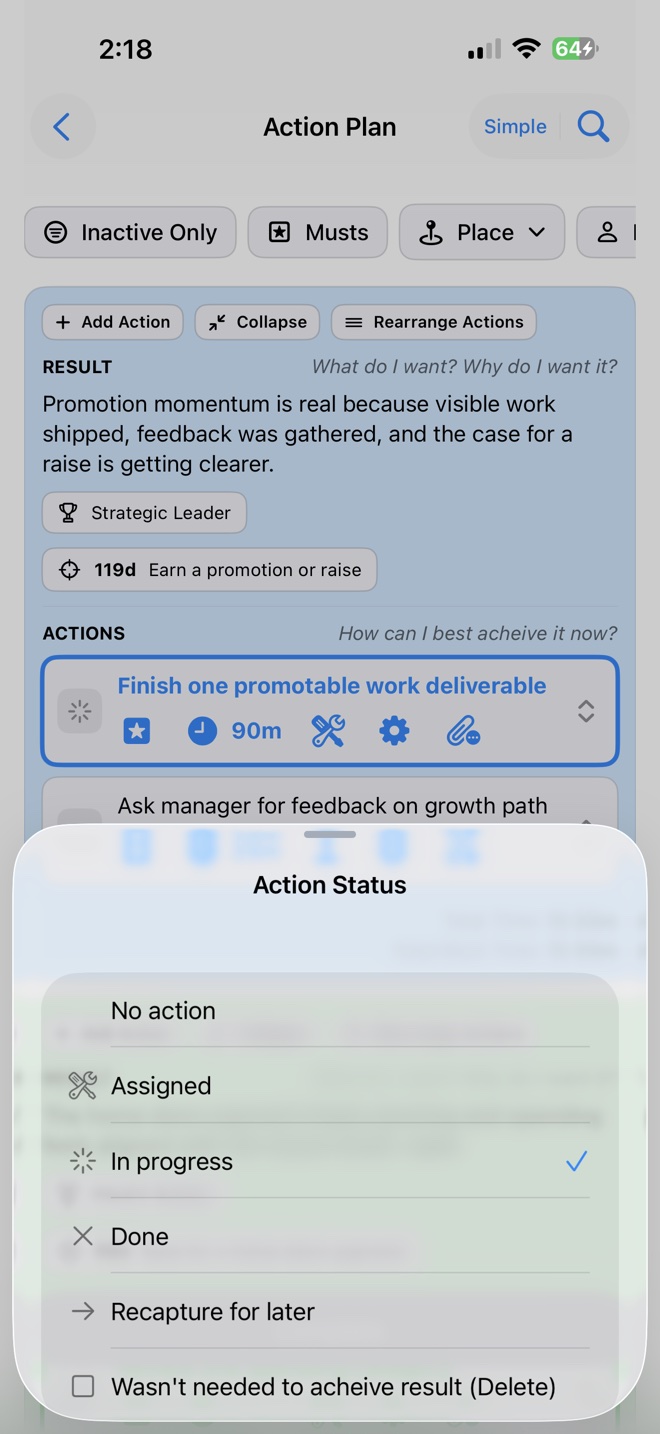
| Inbox, Capture, and finite work | Capture holds incoming context; Actions and Action Plans carry relevant planning details. | An Inbox captures tasks for later; tasks can include subtasks and notes. |
|---|
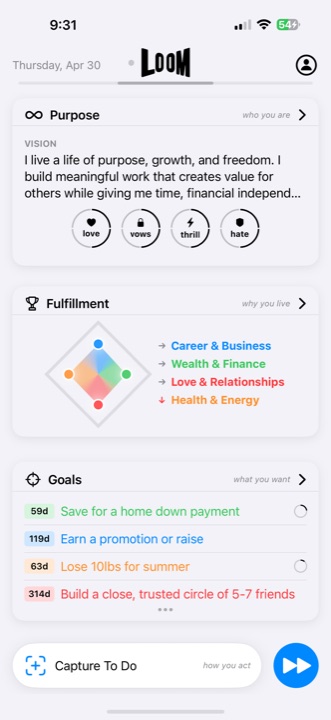
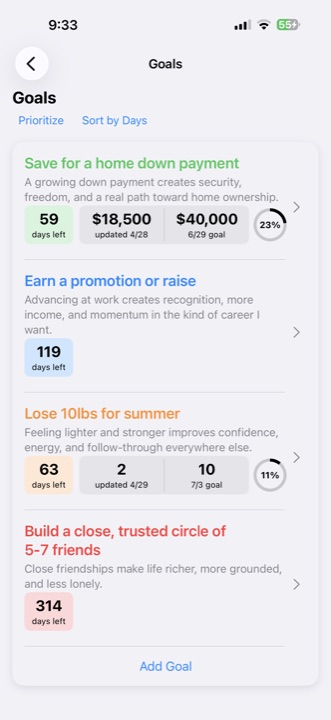
| Goals and life-area context | Goals and Projects connect to 3–7 customizable Fulfillment Areas and Purpose. | Official materials reviewed August 16, 2026 center on timeline-based tasks, routines, and schedules rather than an equivalent Purpose → life areas → Goals hierarchy. |
|---|
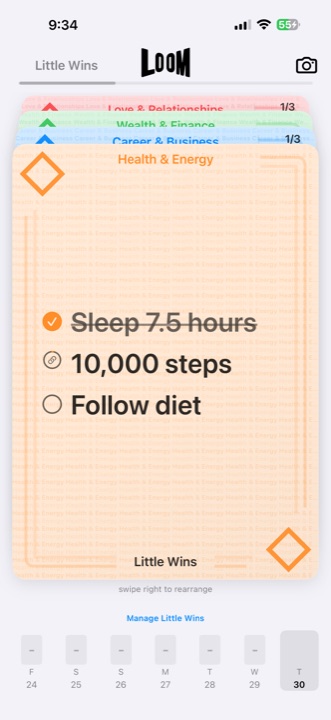
| Recurring actions and habits | Little Wins keep repeatable actions connected to a Goal or Fulfillment Area. | Recurring tasks, routines, and habit tracking are part of Structured’s current offering. |
|---|
| AI assistance | LoomAI can provide contextual guidance and suggestions for Goals, plans, and next actions; the user reviews the result. | Structured Pro includes Structured AI for task creation or editing and Replan for rescheduling a day on supported platforms. |
|---|
| Review and reflection | Reflection is a dedicated part of Loom’s life-management loop. | Structured’s official positioning emphasizes organizing and adjusting the schedule; it does not present an equivalent whole-life Reflection layer. |
|---|
| Calendar and Reminders | Loom 2.0 includes Reminders syncing, but Loom is not a calendar-centered planner. | Structured Pro can import calendars and, on iOS, Apple Reminders. |
|---|
| Platforms | Released for iPhone and iPad; no Android or browser app. | Available on iPhone, iPad, Mac, Apple Watch, Android, and the web, with feature differences by platform. |
|---|
| Best fit | People who want long-term direction, several life areas, finite work, repeatable progress, and review connected on iPhone or iPad. | People who want a visual day timeline, time blocking, schedule imports, and broader device access. |
|---|